How to Get a Second Phone Number on iPhone (App, eSIM, or Dual SIM)
Yes, you can have two numbers on one iPhone. Compare a second-number app, Dual SIM, and eSIM, including free options, setup steps, and supported models.

Quick answer
You can put a second number on an iPhone by installing a second-number app or activating another carrier line through Dual SIM or eSIM. Use an app when you mainly need separate calls and texts. Use a carrier line when you also need cellular data and native Phone and Messages integration.
Yes, you can have two phone numbers on one iPhone. The phrase “second number on iPhone” can describe two different products: a number app that operates inside its own interface using an internet connection, or Dual SIM and eSIM, which add another cellular plan managed by iOS.
If you are trying to add a second number to an iPhone without changing your carrier plan, an app is usually the shorter setup. If you need another mobile data plan or both lines inside Apple's Phone and Messages apps, use Dual SIM or eSIM.
Which iPhones can have two numbers?
A second-number app runs on the iPhone you already have, as long as it meets the app's minimum iOS version. Nothing changes on your carrier account.
For two carrier lines, Apple lists iPhone XS, iPhone XS Max, iPhone XR, and later models as Dual SIM capable, using a physical SIM and an eSIM. iPhone 13 models and later can also run Dual SIM with two eSIMs. An iPhone can store eight or more eSIMs, but Dual SIM means two lines are in use at a time.
Option 1: Use a second-number app
A second-number app is the quickest option when you do not want to modify your carrier account. You select an available number, then make calls and send texts from inside the app.
HashPhone supports iPhone and iPad. It is built for personal one-to-one communication, including work calls, new contacts, online signups, travel arrangements, and conversations where you prefer not to share your primary number.
Setup steps
- Open HashPhone from the smart download link.
- Install the iPhone app from the App Store.
- Create your account and review available numbers.
- Choose a US or Canadian number.
- Review the current offer and renewal price shown to you.
- Place calls and send SMS from within HashPhone.
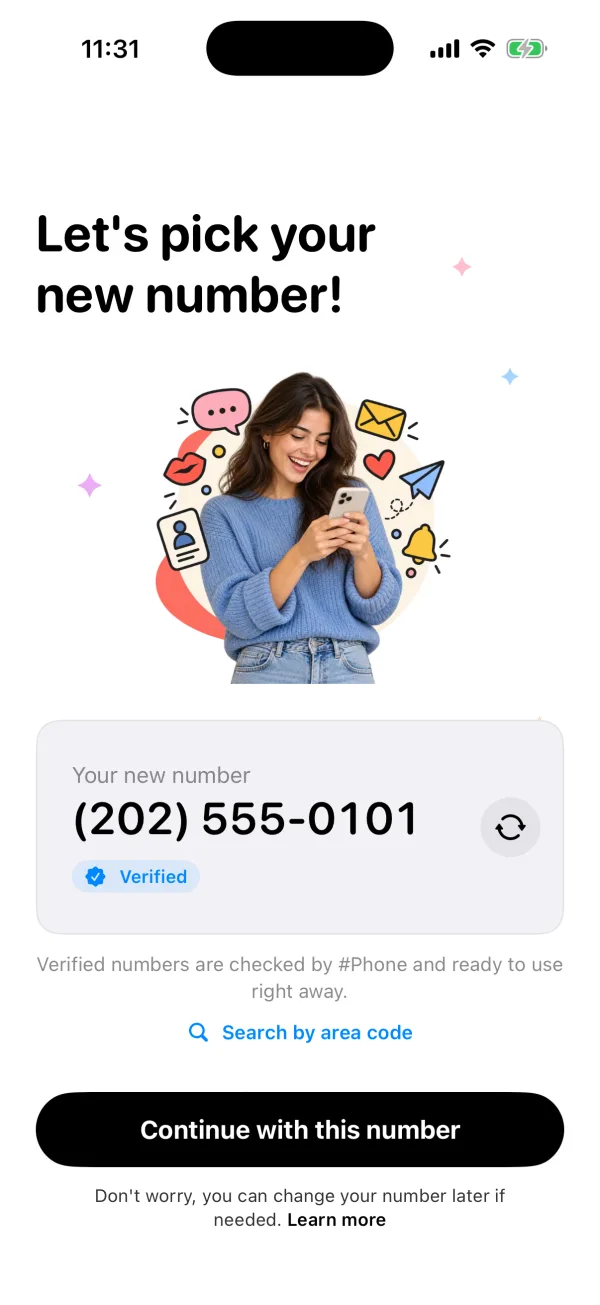
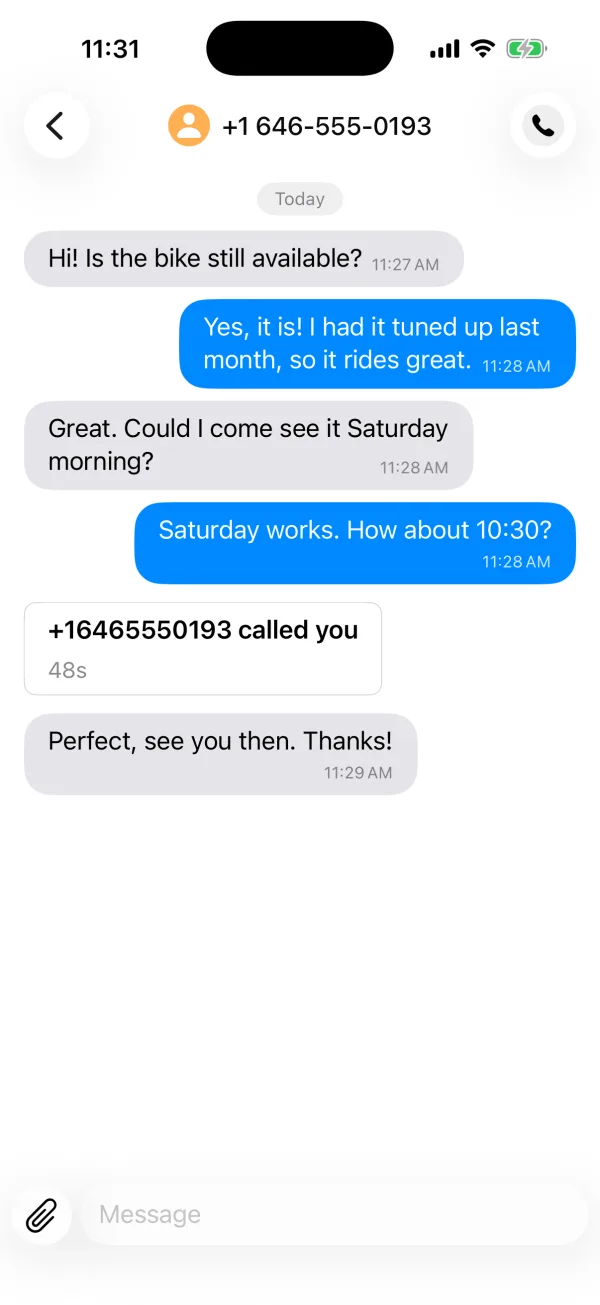
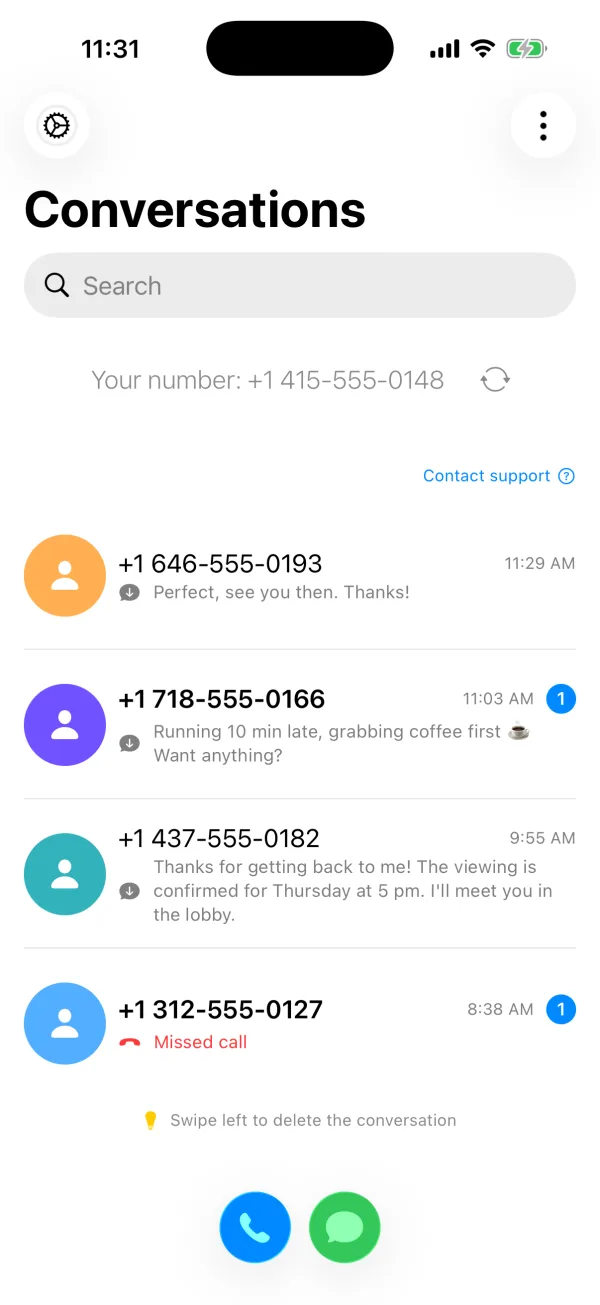
HashPhone on iPhone, shown with fictional example numbers.
HashPhone is free to download, but ongoing service may require a subscription. Pricing and promotional eligibility can vary by region.
Option 2: Use Dual SIM or eSIM
Apple's Dual SIM system lets compatible iPhones use two cellular plans. Depending on the model, that can involve a physical SIM plus eSIM or multiple eSIM profiles.
This option works through the native Phone and Messages apps and can provide another cellular data plan. It may require an unlocked iPhone, carrier support, activation fees, and an additional monthly line.
Setup steps
- Get an eSIM or a physical SIM for the second line from a carrier.
- Open Settings, tap Cellular, then tap Set Up Cellular or Add eSIM and follow the carrier's activation steps (a QR code, a carrier app, or a link).
- Label each line, for example "Personal" and "Work", under Settings > Cellular, by tapping the number and choosing Cellular Plan Label.
- Choose which line iPhone uses by default for calls, iMessage, FaceTime, and cellular data.
App or eSIM: which should you choose?
Choose a number app when:
- You want a separate personal line quickly.
- You do not need another data plan.
- You prefer not to contact your carrier.
- You are comfortable calling and texting inside an app.
Choose Dual SIM or eSIM when:
- You need native cellular calling and data.
- You need the strongest compatibility with carrier-only systems.
- You want to use Apple's built-in Phone and Messages apps for both lines.
- Your carrier and iPhone model support the setup you want.
For a detailed side-by-side explanation, read our guide to choosing between a second phone number app and eSIM. If your main question is whether both numbers can live on one device, see how two phone numbers work on one phone.
Can you get a second number on iPhone for free?
Sometimes, with tradeoffs. Google Voice gives free US numbers to eligible users, but setup requires another phone number that can receive a verification text. Ad-supported apps may offer a free number that can expire after inactivity, and a second carrier line almost always means another monthly plan.
HashPhone is free to download. Here is the current trial status:
HashPhone runs free trials and introductory offers from time to time. Availability depends on your platform, region, and eligibility, and it can change. Open the app to see the current offer and renewal price for your account before you subscribe.
Current status (checked October 10, 2026): eligible Android users can start with a free trial. iPhone users do not currently see a free trial.
For a wider comparison, see whether a free second phone number app exists and Google Voice alternatives for personal calls and texts.
Can you add a second number without a second SIM?
Yes. A second-number app does not add a carrier SIM profile. It gives you another calling and texting identity inside the app while your existing SIM and primary number remain unchanged.
This is useful when you want a separate number for clients, dating, online forms, or new contacts but do not need another cellular data allowance. Read how to get a second number without another SIM for the practical limitations.
Can the second number receive verification codes?
HashPhone can receive ordinary SMS and many verification-code messages. Acceptance is controlled by the service sending the code, so no virtual-number app can promise support for every bank, social network, marketplace, or account-recovery system.
For an important account, test the number before making it your only recovery method.
Keep the two lines easy to recognize
Save contacts with enough context, use different notification settings when available, and pause before returning a call. A second line is most useful when it creates a clear boundary rather than another inbox you cannot identify.
Checked October 11, 2026: Apple's Dual SIM guide lists supported iPhone models and configurations, and Apple's eSIM guide explains how to add an eSIM line. The HashPhone App Store listing describes calls, SMS, and verification-code flows.